How to implement an HCM system successfully
Getting HCM software implementation right sets up everything that follows. This guide walks through the process from first steps to go-live — and what to watch for along the way.


Table of Contents
You’ve chosen your HCM software. Now the real work begins: implementation.
An HCM platform rollout is complex and high-stakes, but it’s manageable with diligence and careful planning. Here, we share a step-by-step process for HCM software implementation and some practical considerations that can make the difference between a smooth go-live and a prolonged one.
When it goes well, the results are tangible. Teams can adopt the system faster, reporting can get more reliable, and HR operations can run with less manual effort and fewer errors. Then the investment starts paying off.
When it goes poorly, the problems can turn up quickly and tend to compound. Payroll errors due to incorrectly implementing payroll processes and procedures might require costly fixes. Compliance gaps could emerge from misconfigured rules. Decisions might be backed by data nobody fully trusts. And teams that never properly adopt the system find workarounds that are hard to undo.
Offer extensive, hands-on training opportunities for all employees, ideally customized by role. Make on-demand training modules and materials available for future reference and to support different learning styles.
Be prepared to provide significant post-launch support to users and employees for the months that follow as they learn how to use the new system. Keep a close eye on system performance and adoption rate (and intervene as needed). And keep feedback channels open. The people using the platform every day will spot issues and improvement opportunities that testing didn’t catch.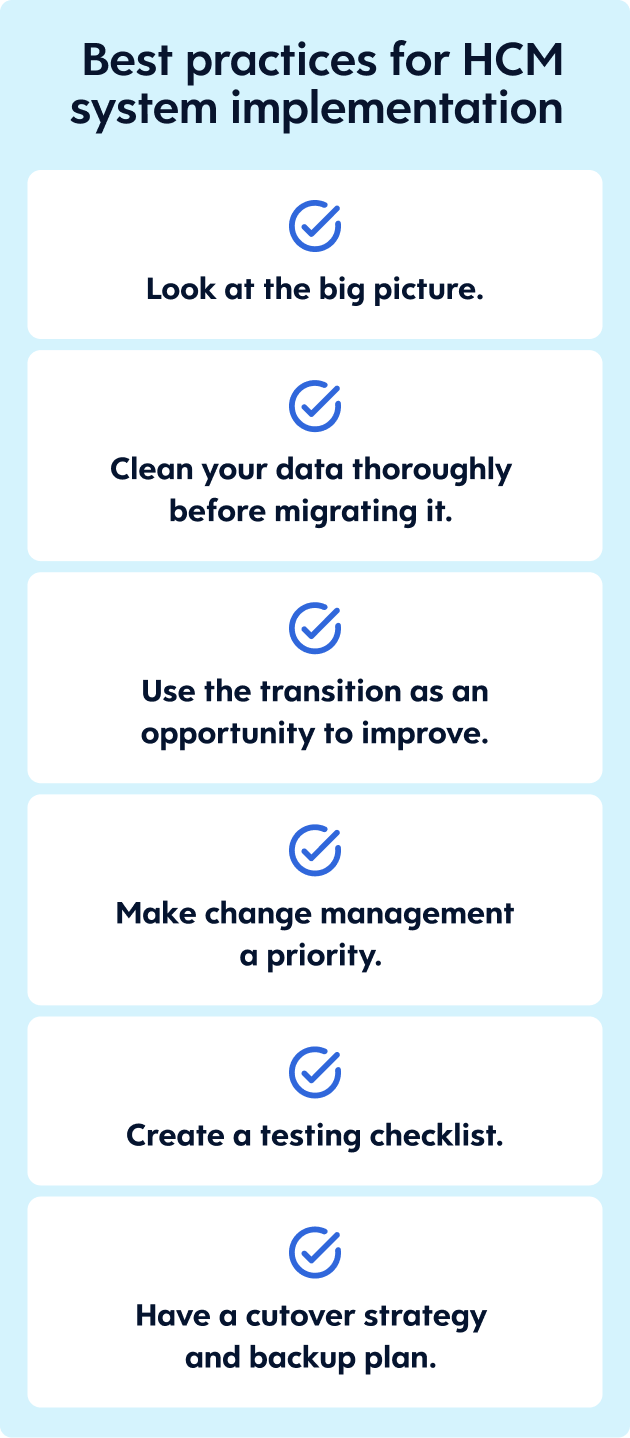
Here’s a non-exhaustive list of HCM system implementation best practices: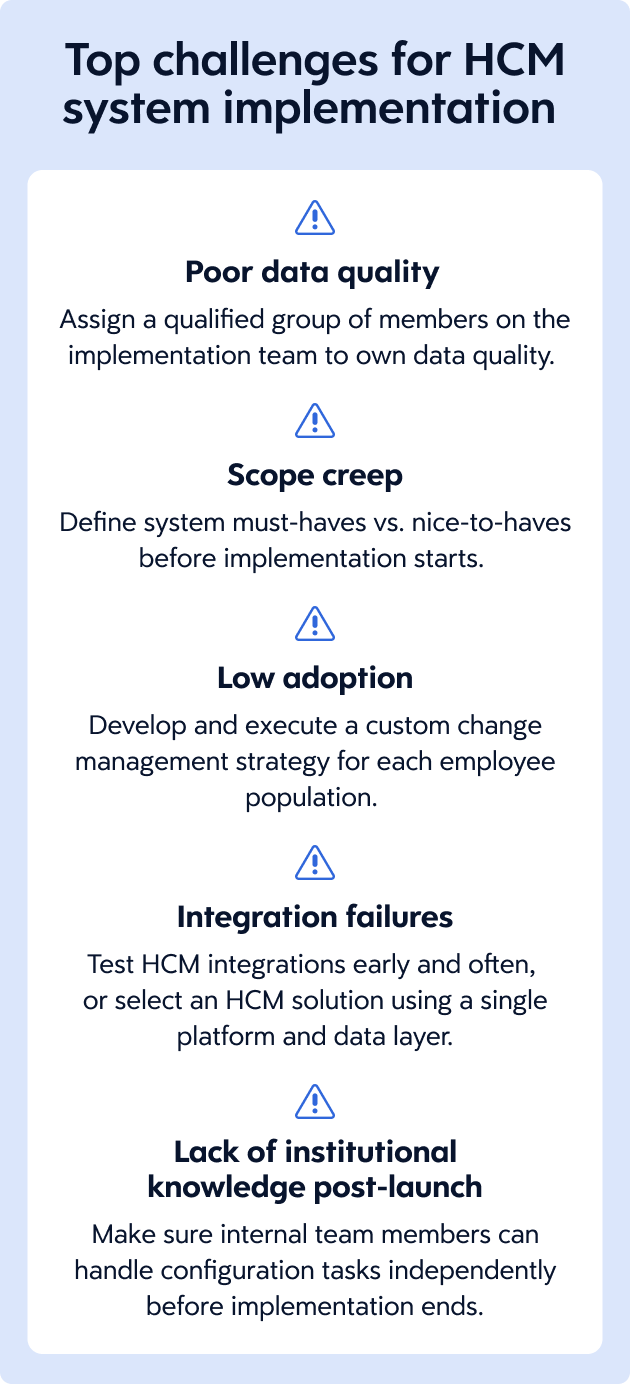
Even well-planned rollouts can hit snags. Here are the challenges that come up most often and how to address them.
Check out our HCM software buyer’s guide for more information on how to select and deploy an HCM platform.
An HCM platform rollout is complex and high-stakes, but it’s manageable with diligence and careful planning. Here, we share a step-by-step process for HCM software implementation and some practical considerations that can make the difference between a smooth go-live and a prolonged one.
Key takeaways
- HCM implementation is the process of configuring and rolling out your new software within your company.
- The implementation process starts with defining what “done” or “go live” looks like and selecting an implementation team to lead the initiative. This may include stakeholders from your company, software provider, or both.
- Choose an implementation approach and schedule that fits your organizational needs, budget, and resources available. This might be a phased rollout or full deployment.
- Identify what data needs to migrate and where it lives, then clean it up before it moves.
- Communicate your HCM implementation plan clearly, test extensively, refine the system, and train all users.
What is HCM implementation?
HCM software implementation is the process of configuring your new platform and rolling it out to your end users.When it goes well, the results are tangible. Teams can adopt the system faster, reporting can get more reliable, and HR operations can run with less manual effort and fewer errors. Then the investment starts paying off.
When it goes poorly, the problems can turn up quickly and tend to compound. Payroll errors due to incorrectly implementing payroll processes and procedures might require costly fixes. Compliance gaps could emerge from misconfigured rules. Decisions might be backed by data nobody fully trusts. And teams that never properly adopt the system find workarounds that are hard to undo.
Steps to implement an HCM system
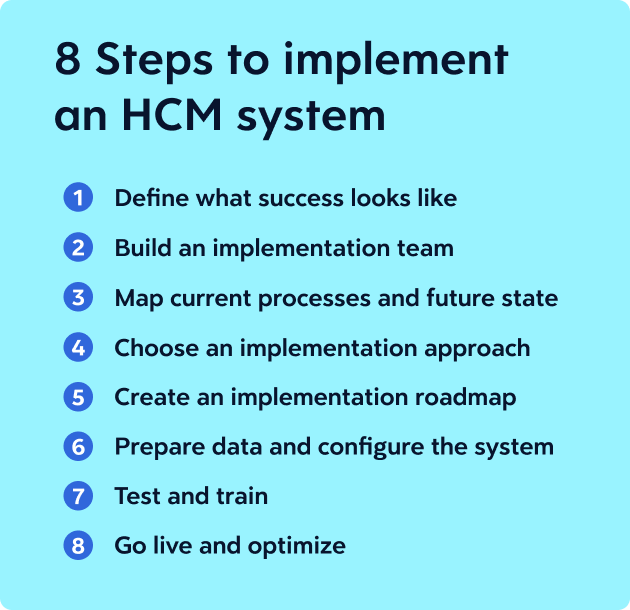
A methodical rollout is the best defense against the problems outlined above. Here are the steps that form the basis for your implementation timeline and transition plan:
1. Define what success looks like
Identify the outcomes or KPIs that define successful implementation for your organization, using specific and measurable terms. For example:- 80% adoption rate within six months
- 50% reduction in time-to-hire within 12 months
- 50% reduction in emails and calls to HR within four months (thanks to employee self-service options)
2. Build an implementation team and establish governance
HCM implementation touches every department, which means the team driving it should reflect that. Key stakeholders typically include:- CHRO, HR manager, HR generalist
- Payroll manager, payroll specialist
- Benefits manager, benefits administrator
- Talent acquisition manager, recruiter
- CFO
- CIO
- COO, operations manager
- Department managers
3. Map current processes and future state
If you haven’t already, document the current state of how work gets done today across each department. Be sure to note pain points and workarounds that have accumulated over time. Then design the ideal future state of each workflow, keeping the new procedures as simple and standardized as possible. Tap your new software provider for input based on their experiences and best practices.4. Choose an implementation approach
Three decisions tend to shape how HCM software implementation unfolds.- Phased rollout or big-bang launch? A phased rollout of select modules may be more manageable, but it can leave your organization in tech limbo for the foreseeable future. And it may incur additional costs from the software provider. A big-bang launch of the full suite can help you get through implementation faster, but there’s more risk of system issues and overwhelming employees responsible for the implementation and their day-to-day responsibilities.
- Pilot-first or full deployment? Launching an HCM platform within one department or region first can yield useful feedback to apply to the rest of the rollout, but juggling two systems can be challenging. Deploying the platform to the entire company at once gives your workforce a consistent experience, but any issues can affect the whole organization.
- Partner-led or hybrid? A partner-led implementation (where the vendor or a third party does everything) can mean a faster, smoother experience, but cost might be a concern. A hybrid implementation (where the vendor or third party handles only the high-risk elements) could save you money, but you need in-house technical capability to pull it off.
5. Create an implementation roadmap
Once you’ve decided on your approach, build a realistic schedule that maps out each phase of the rollout. Typically, your new software provider will recommend a project plan based on their methodology and best practices. It’ll include scheduled stages like:- Design
- Configuration
- Integration, if needed
- Data migration
- Testing
- Training
- Launch (your go-live date)
6. Prepare data and configure the system
Before configuration, your organization needs to be aligned on business requirements. Using those requirements, you’ll build out the system to support your future-state workflows. That means establishing things like:- Business units and cost centers
- Job families and job codes, grades, and levels
- Approval chains and routing rules
- Standard and custom data fields
- Role-based access and security protocols or standards
- Pay groups, frequencies, and rules
- Benefits plans and eligibility rules
7. Test and train
Before go-live, put the system through its paces and try to break it. Test everything, including routine processes and edge cases, with various levels of users in the organization. It’s better to find weak points and errors before launch.Offer extensive, hands-on training opportunities for all employees, ideally customized by role. Make on-demand training modules and materials available for future reference and to support different learning styles.
8. Go live and optimize
Go-live is the moment everything becomes real. It’s also when the next phase of work begins with your HCM implementation.Be prepared to provide significant post-launch support to users and employees for the months that follow as they learn how to use the new system. Keep a close eye on system performance and adoption rate (and intervene as needed). And keep feedback channels open. The people using the platform every day will spot issues and improvement opportunities that testing didn’t catch.
Best practices for consolidating HR systems into HCM
Here’s a non-exhaustive list of HCM system implementation best practices:
- Look at the big picture: Even if you’re only rolling out select modules now, they all connect. The configuration decisions you make early affect everything downstream.
- Clean your data thoroughly before migrating it: Bad data doesn’t improve in a new system. It just becomes bad data with better reporting around it.
- Use this as an opportunity to improve: You’re doing more than just upgrading your software. You’re redesigning how your team works and how your company operates.
- Make change management a priority: Identify and work through the resistance before the platform goes live.
- Create a testing checklist: Unit, integration, end-to-end, edge cases, and user acceptance testing all belong on it.
- Have a cutover strategy and a backup plan: Know exactly what needs to happen on go-live day, and know what you’ll do if the system isn’t business ready.
Potential challenges of HCM implementation
Even well-planned rollouts can hit snags. Here are the challenges that come up most often and how to address them.
| Challenge | Solution |
|---|---|
| Poor data quality | Assign a qualified group of members on the implementation team to own data quality. |
| Scope creep | Define system must-haves vs. nice-to-haves before implementation starts. |
| Low adoption | Develop and execute a custom change management strategy for each employee population. |
| Integration failures | Test HCM integrations early and often, or select an HCM solution using a single platform and data model. |
| Lack of institutional knowledge (post-implementation) | Make sure internal team members can handle configuration tasks independently before implementation ends. |
Preparing for HCM implementation
Your vendor can make or break your HCM implementation. Ask what its role looks like during implementation and what support is available once the system is live. Reputable vendors like Dayforce typically offer a standardized implementation methodology, along with training and support that extend well beyond go-live.Check out our HCM software buyer’s guide for more information on how to select and deploy an HCM platform.
Frequently asked questions
What is HCM implementation?
HCM system implementation is the process of configuring and launching a new platform across your organization.How do you implement an HCM system step by step?
Your process may vary slightly, but these are the basic steps you should take to implement an HCM system:- Define what success looks like.
- Build an implementation team and establish governance.
- Map current processes and future-state workflows.
- Choose an implementation approach.
- Create an implementation roadmap.
- Prepare your data and configure the system.
- Test extensively and train all users.
- Go live and optimize based on feedback.
How long does HCM implementation take?
Implementation timelines vary based on company size and project scope. Rolling out a few modules looks different from deploying a full suite, for example. In many cases, you can expect the process to take several months.What integrations should be planned before go-live?
It’s ideal to choose a platform with a single data model spanning the entire HCM lifecycle. But if your HCM solution requires integrations, you should carefully plan them for the modules you’re rolling out during this implementation phase. For example, if this round is solely focused on HCM and payroll, some of your target integrations will include your company’s:- General ledger
- Tax filing services
- Banking partners
- Garnishment processors
- Benefits carriers
- Retirement plan providers
- Time and attendance trackers
- Workers’ compensation carriers
- State unemployment agencies
What is payroll parallel testing, and why is it important?
Payroll parallel testing is the strategy of processing at least one pay run in both the new and old systems simultaneously. Using a payroll parallel testing checklist, you can compare outputs from the two systems to make sure your new HCM platform processes payroll accurately before your go-live date.You may also like:
Ready to get started?